How to log time against a project
This describes how to manually log time against a project, you can also use a timer. For more information, see Timers
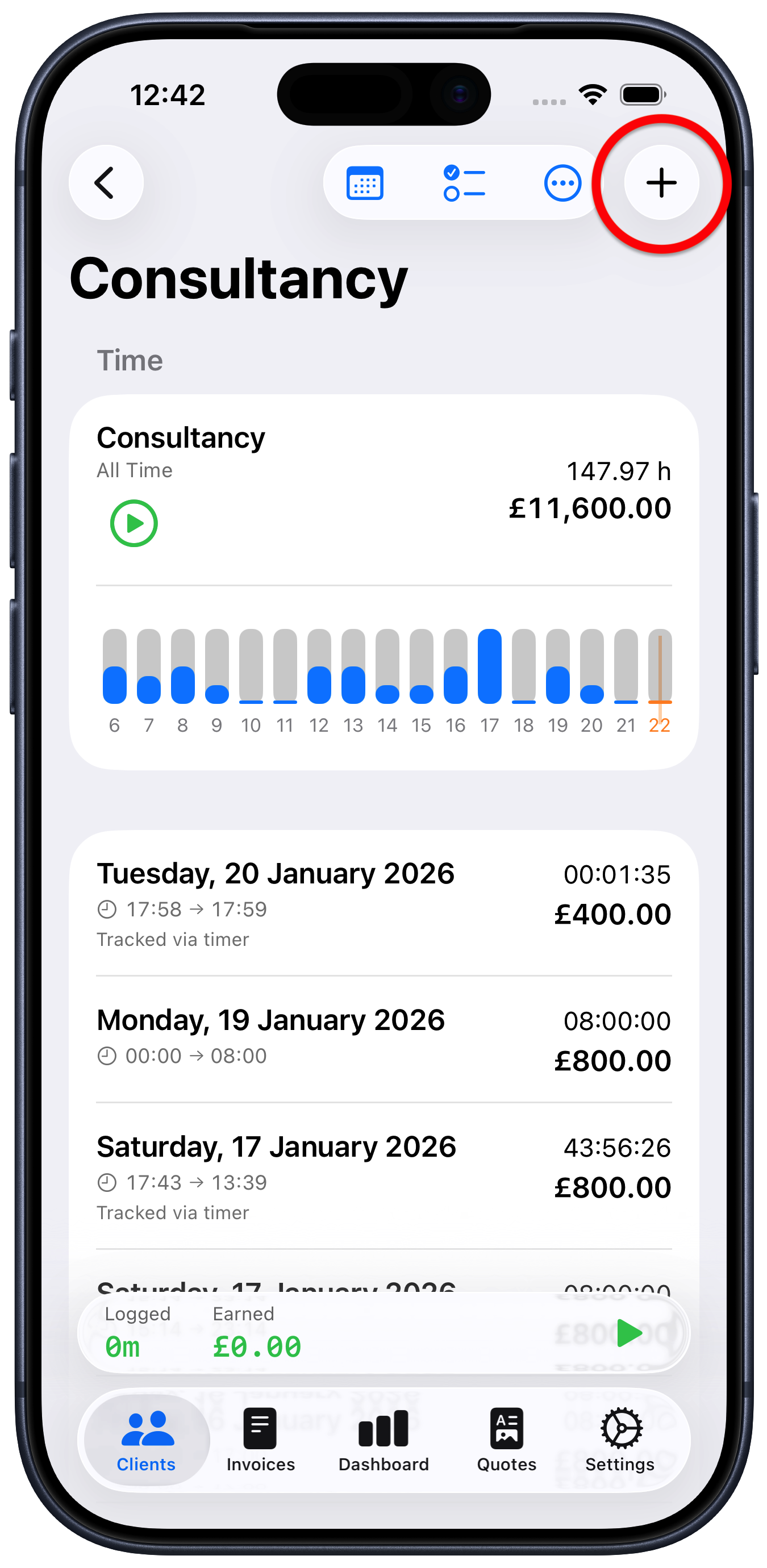
Tap on the project that you want to log time against
Tap the “+” button at the top right of the project screen
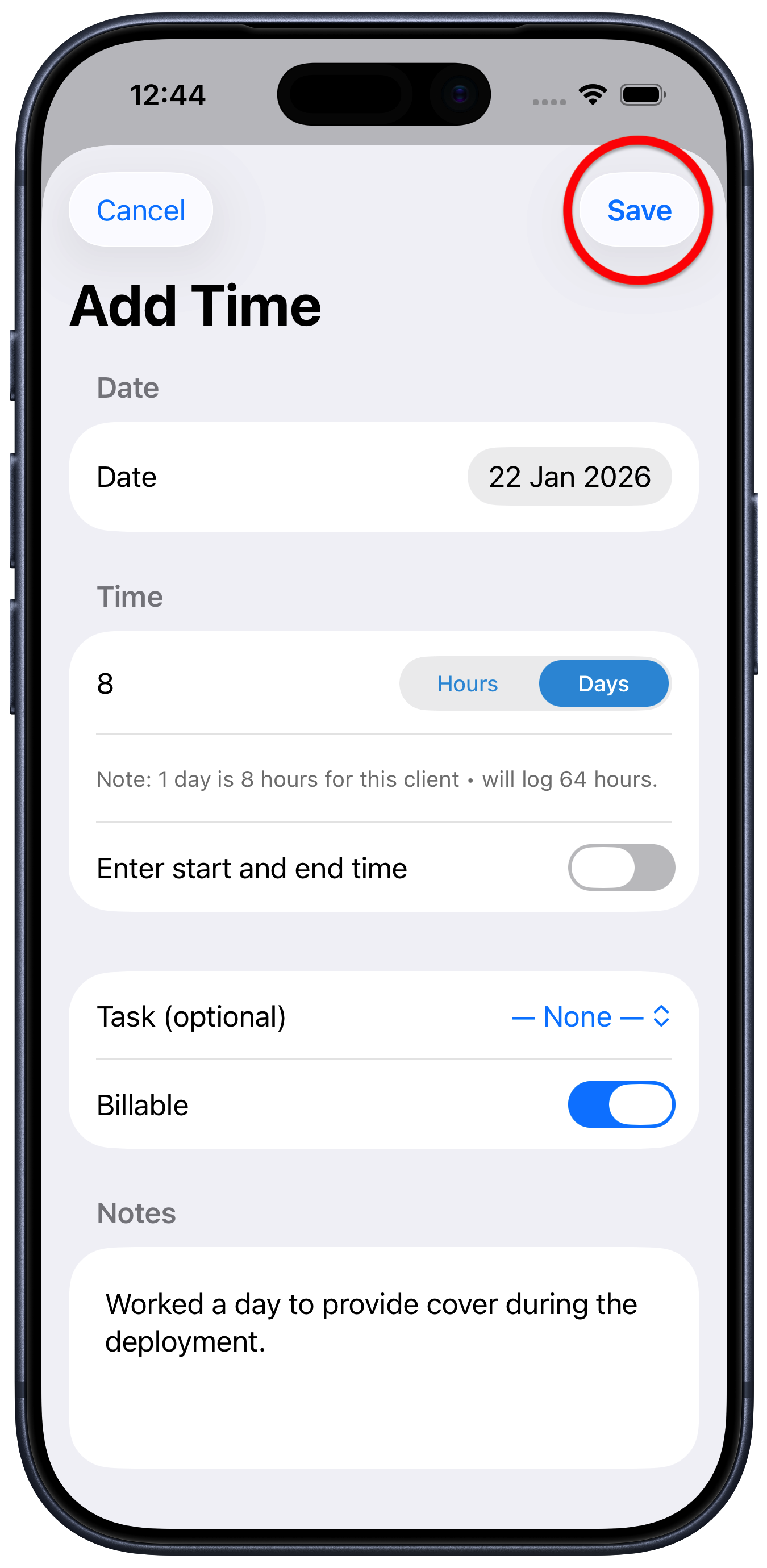
Enter your time
Tap “Save” to log the time against the project
You can log your time in hours or days. You can also tap the “Enter start and end time” toggle and you can enter the times and it will work out the number of hours.
If you have set up any tasks for this project, you can log time against a specific task by choosing it from the “Task (optional)” menu. To find out more see Tasks
You can also log non-billable time by toggling “Billable” off.