How to add a task
When you log time against a project (see time entry) you can log that time against a specific task. Before you can do this, you need to add tasks to the project.
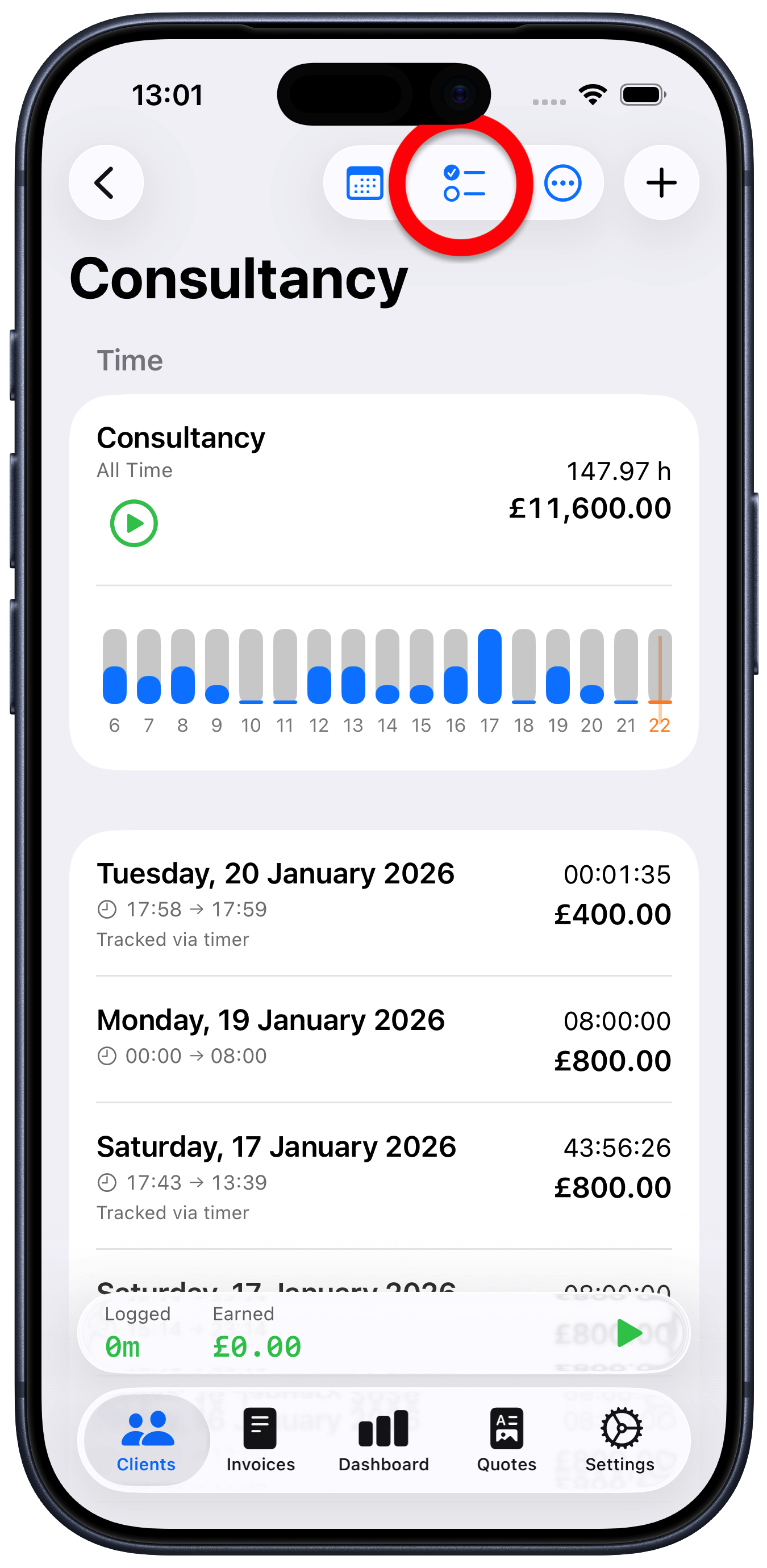
Tap on the project that you want to log time against
Tap the task list button at the top of the project screen
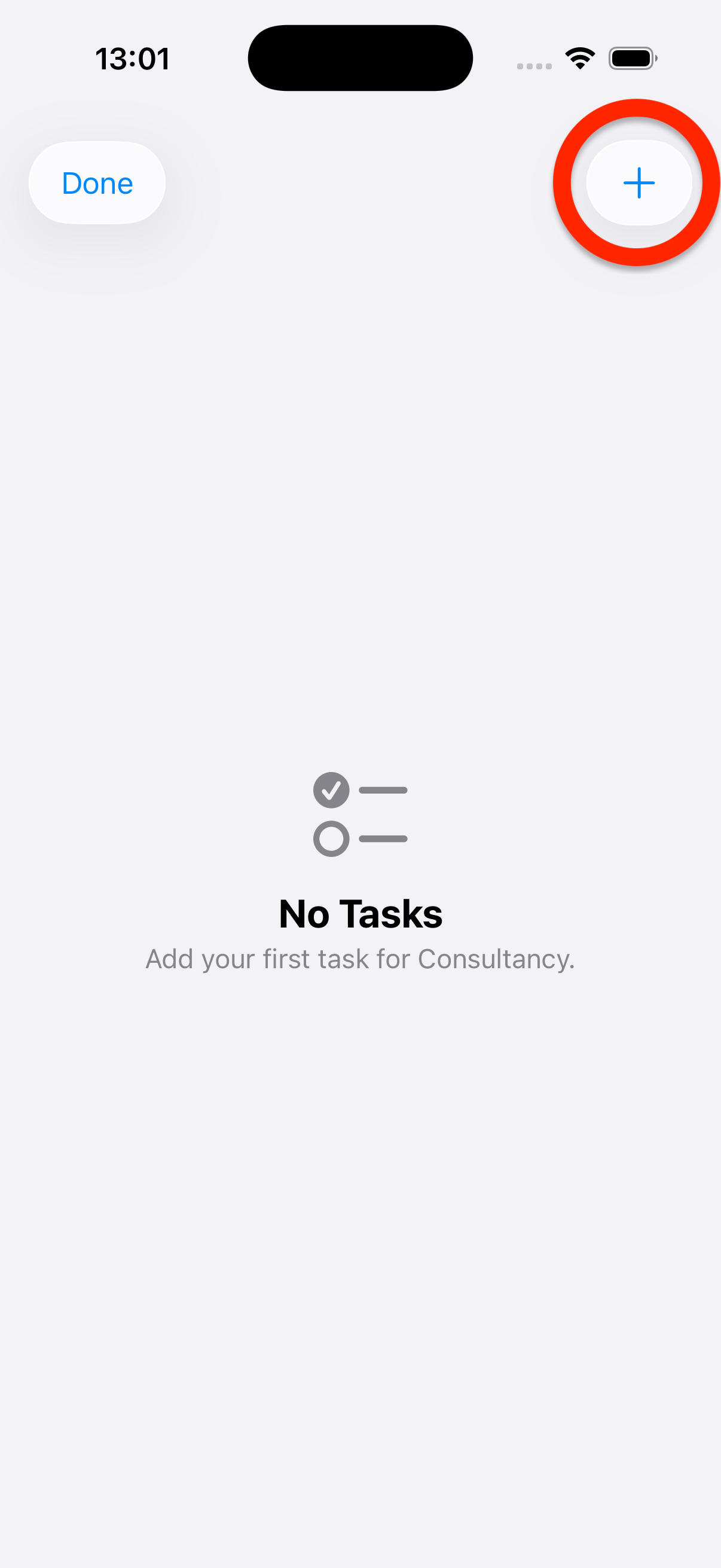
Tap “+” to enter a new task
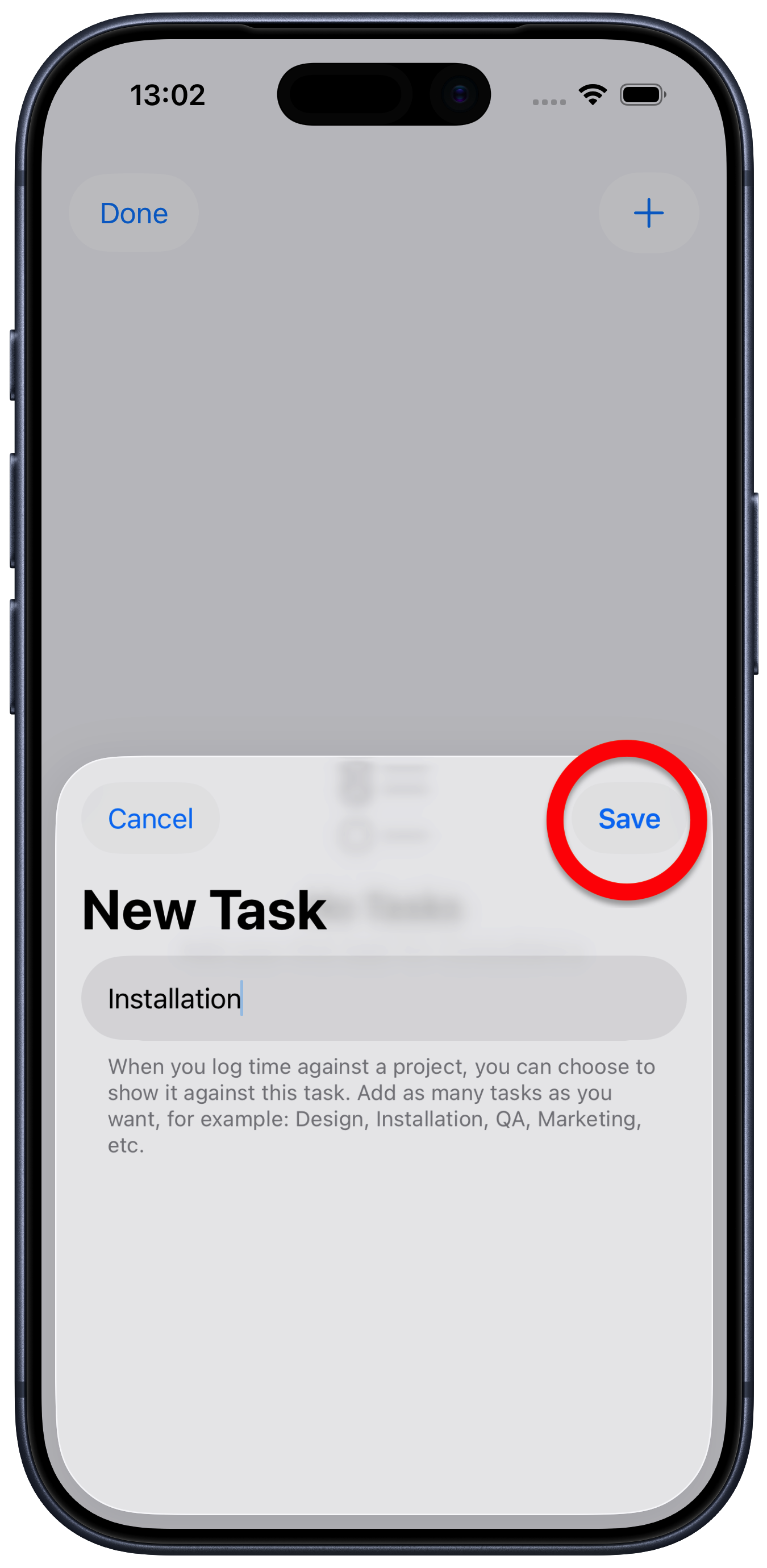
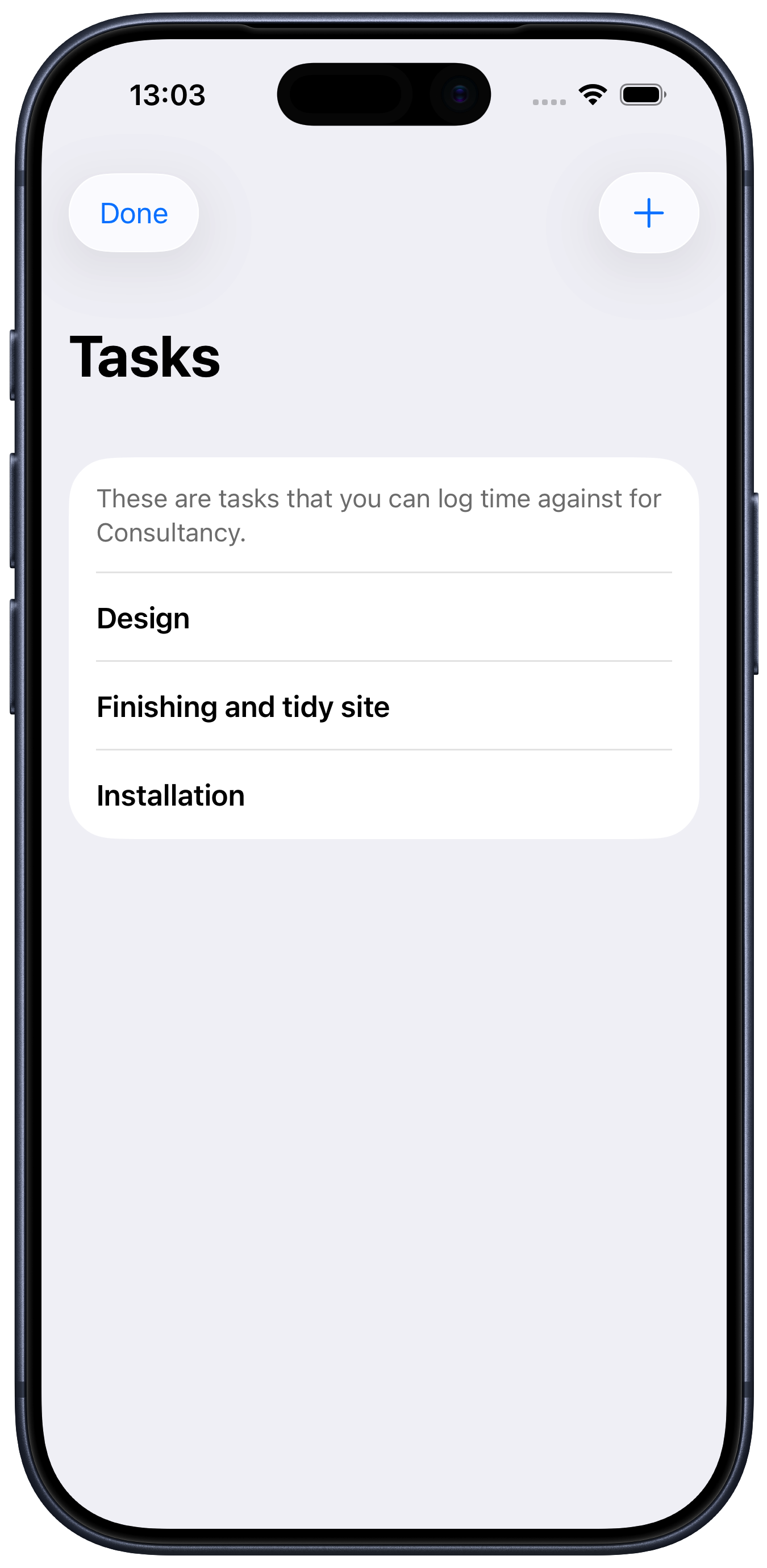
Tap “Save” to add that task to the project task list.
If you later generate an invoice for the client, any time logged against a task will shown in the breakdown.
Tasks can be edited at any time by just tapping the task list and tapping the tasks you want to edit.