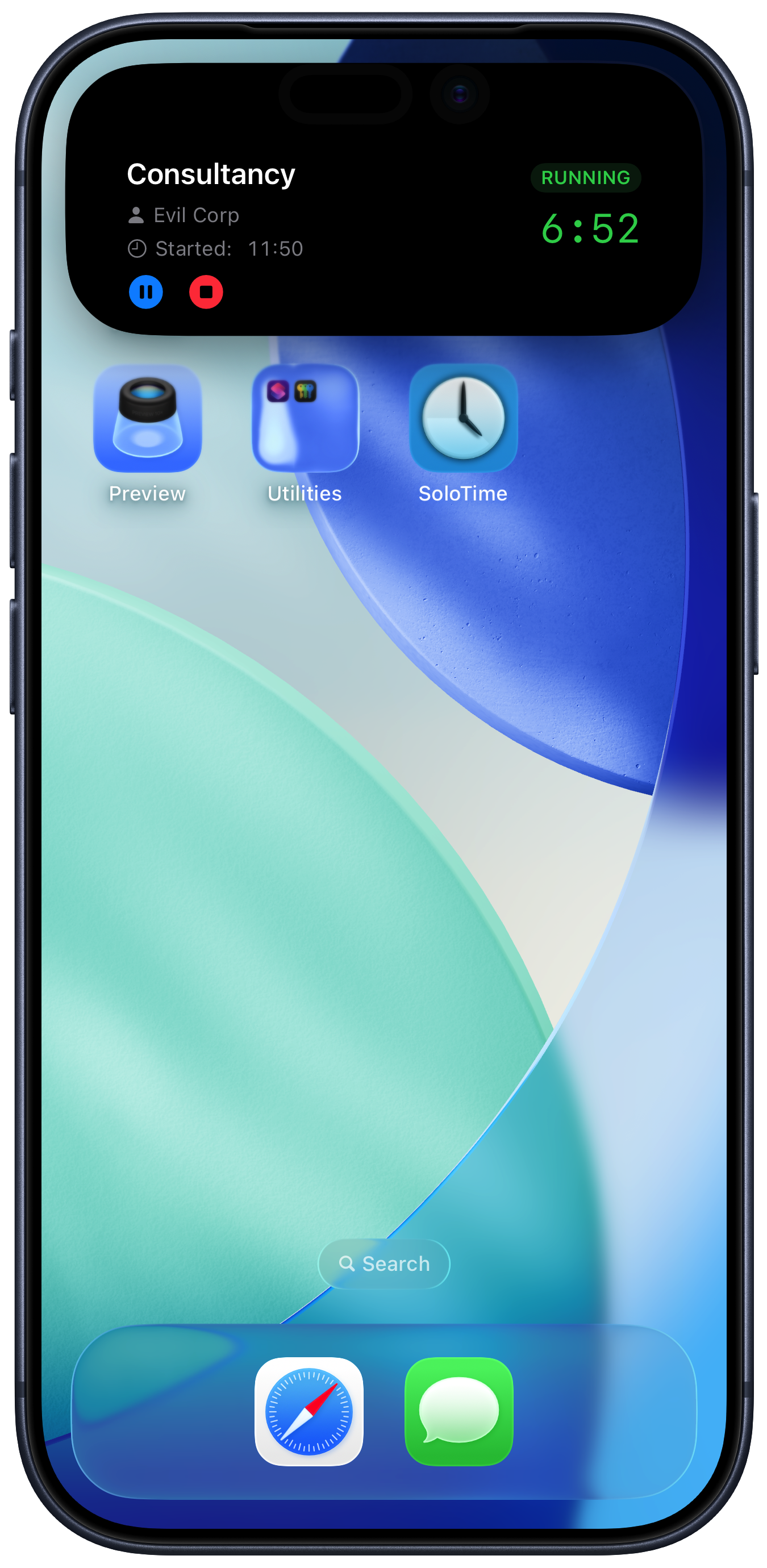
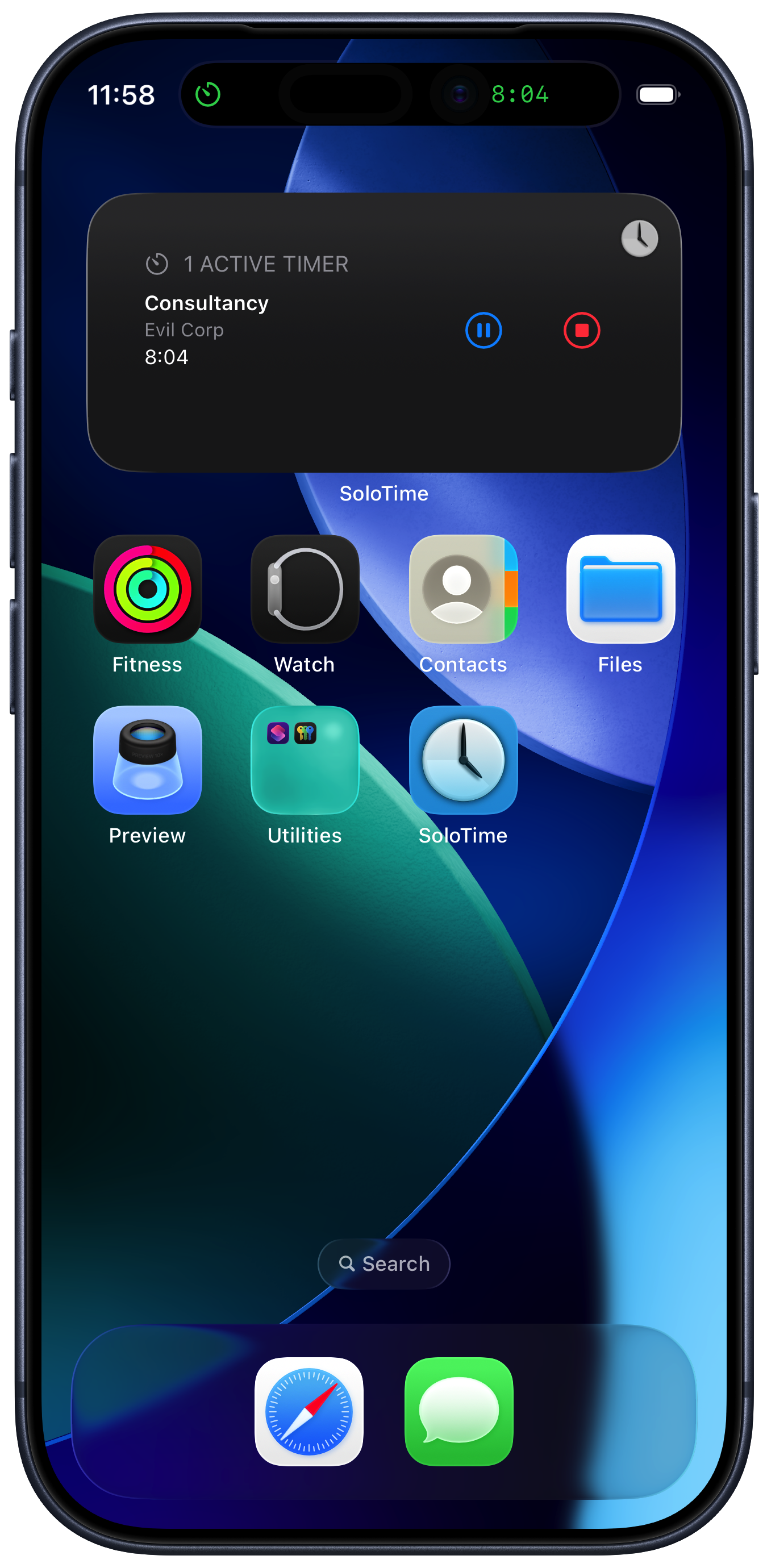
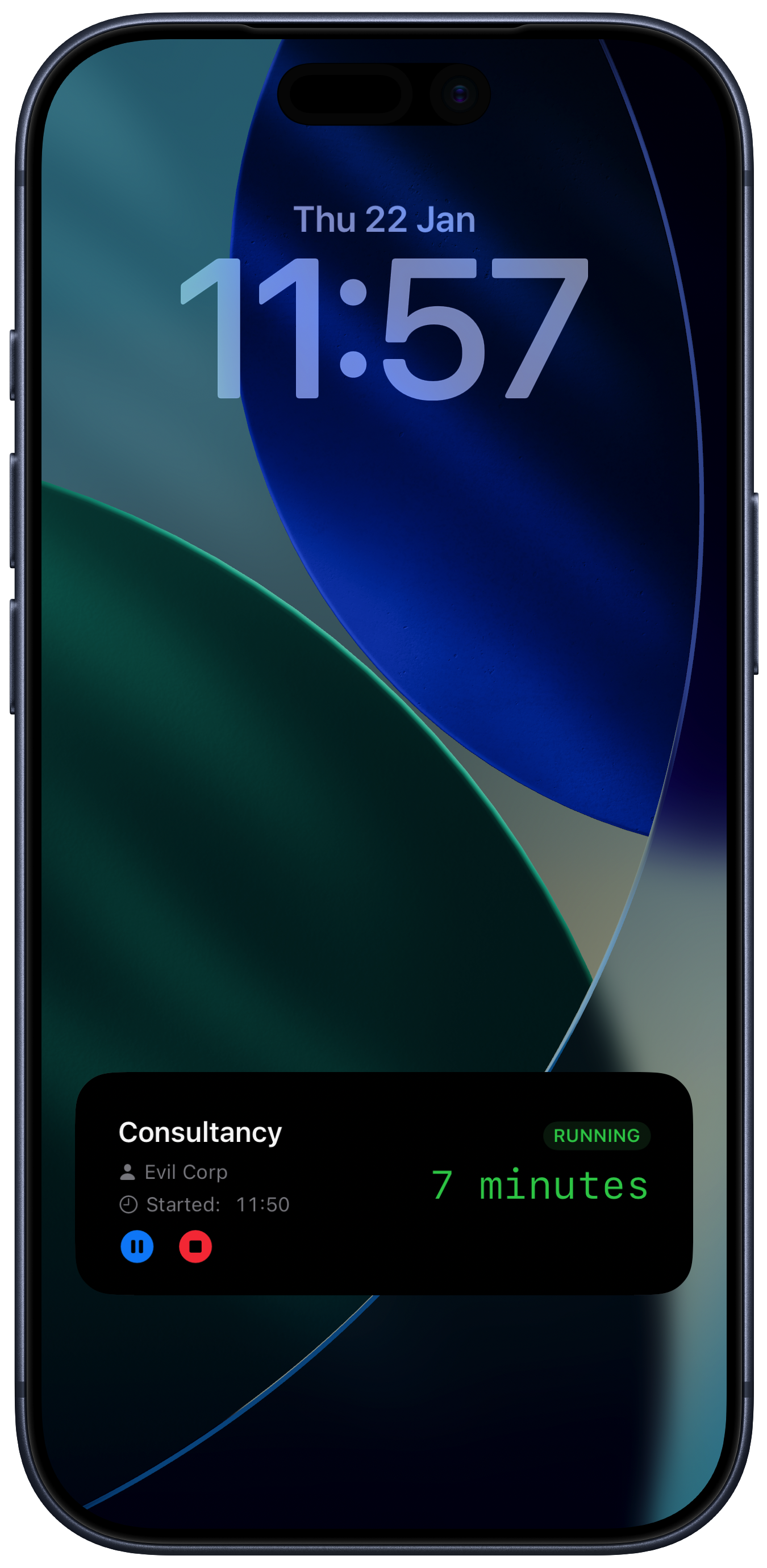
Using timers
SoloTime timers are very flexible, and can be started and stopped in a number of ways.
Starting a timer
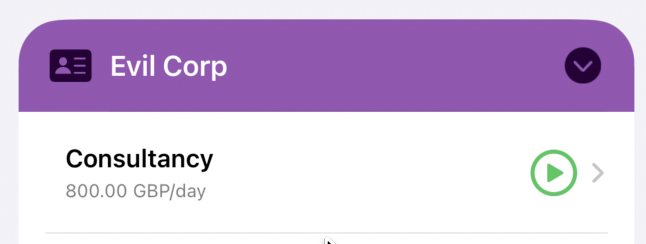
Just tap the play button to the right of a project name to start a timer for that project.
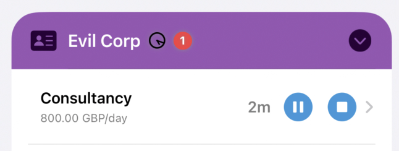
A pause and stop button will replace the play button. As their names suggest, pause will pause the timer on the project and stop will stop the timer completely.
When you stop a timer the time is logged against the project.
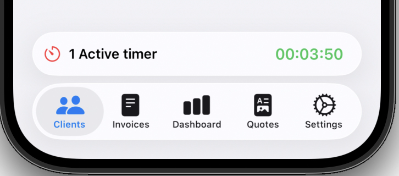
When you start a timer, the status bar at the bottom of the screen will change to show the elapsed time. If there is more than one timer running, this will be the time of the first one you started.
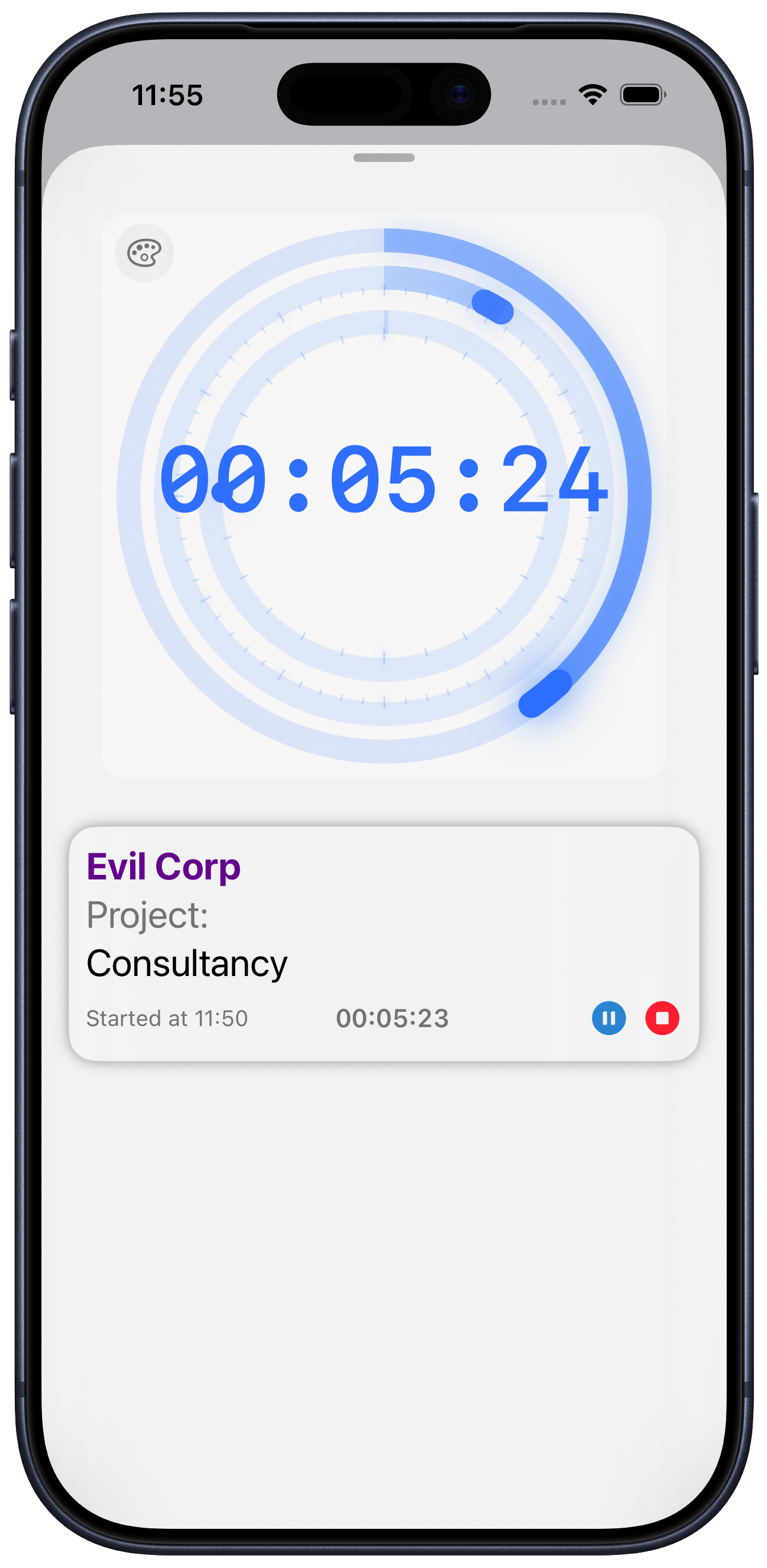
If you tap this, it will show you a full screen timer. There are lots of ways to see and control the timer, including on Widgets, Dynamic Island and Live Activities.