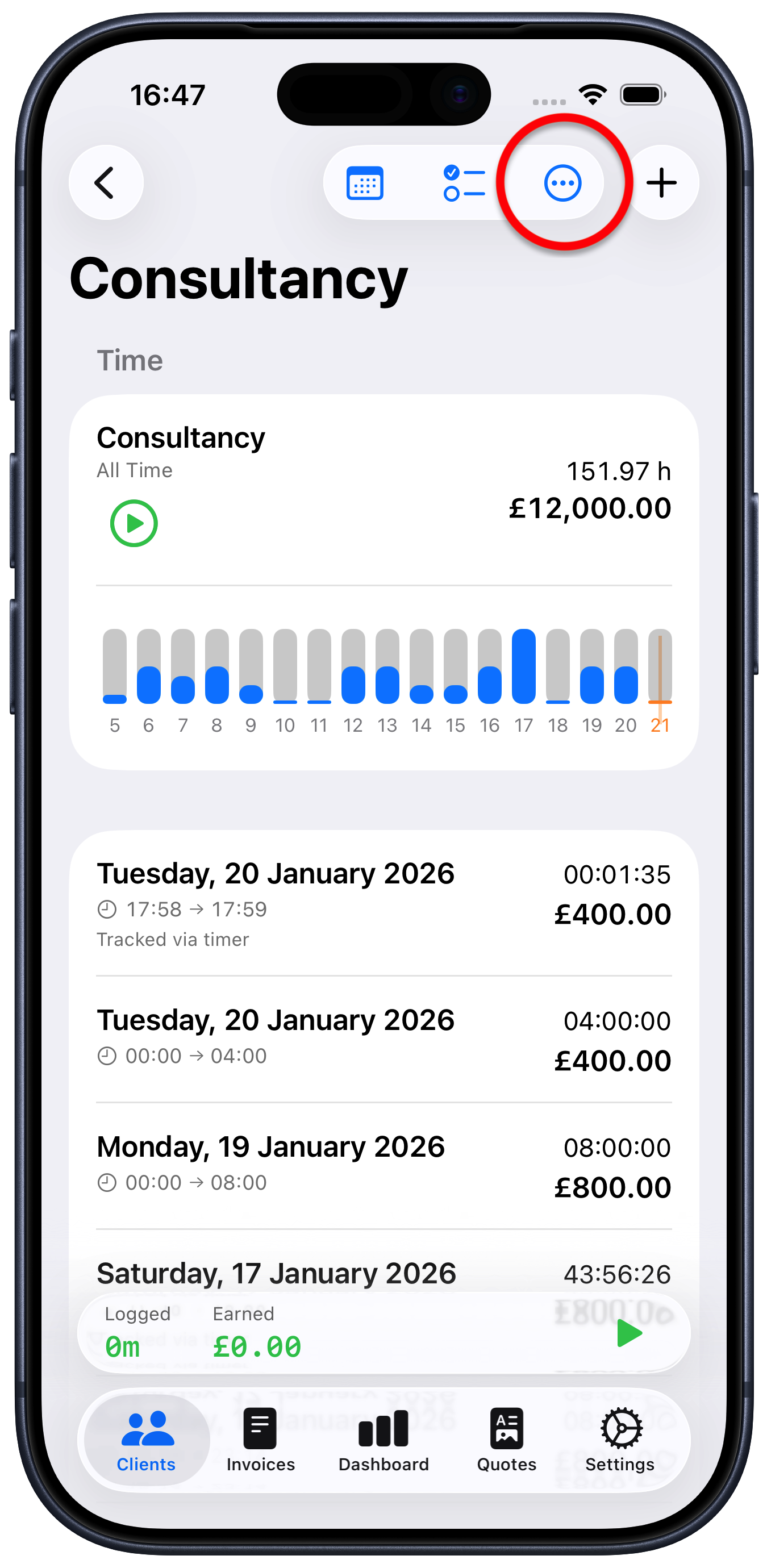
How to delete a project
Tap the project you want to delete
Tap the ellipsis button “…” at the top right
Choose “Delete Project”
You may also want to consider just archiving the project, rather than deleting it. This will just “hide” the project and won’t delete anything, just in case you want to refer back in the future.