Archiving and restoring a client
Archiving a client “hides” them on your client list and will prevent that client being included in reports and dashboards going forward. You should consider this option if you think you might do business with them again in the future, as it will save you entering all their details again, and you’ll have the history of previous work to refer back to.
Tap the client you want to archive
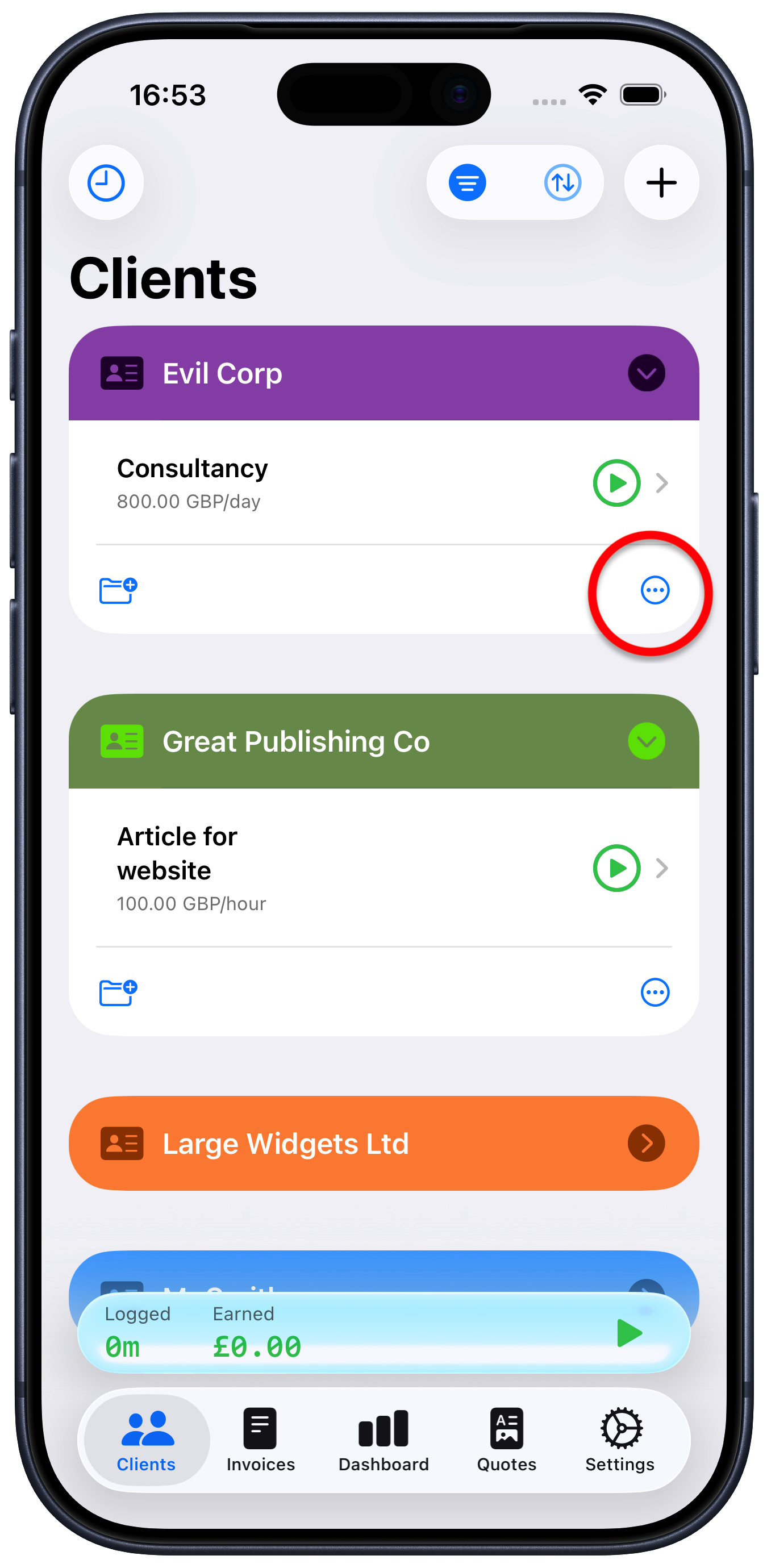
Tap the ellipsis button “…” at the bottom right of that client
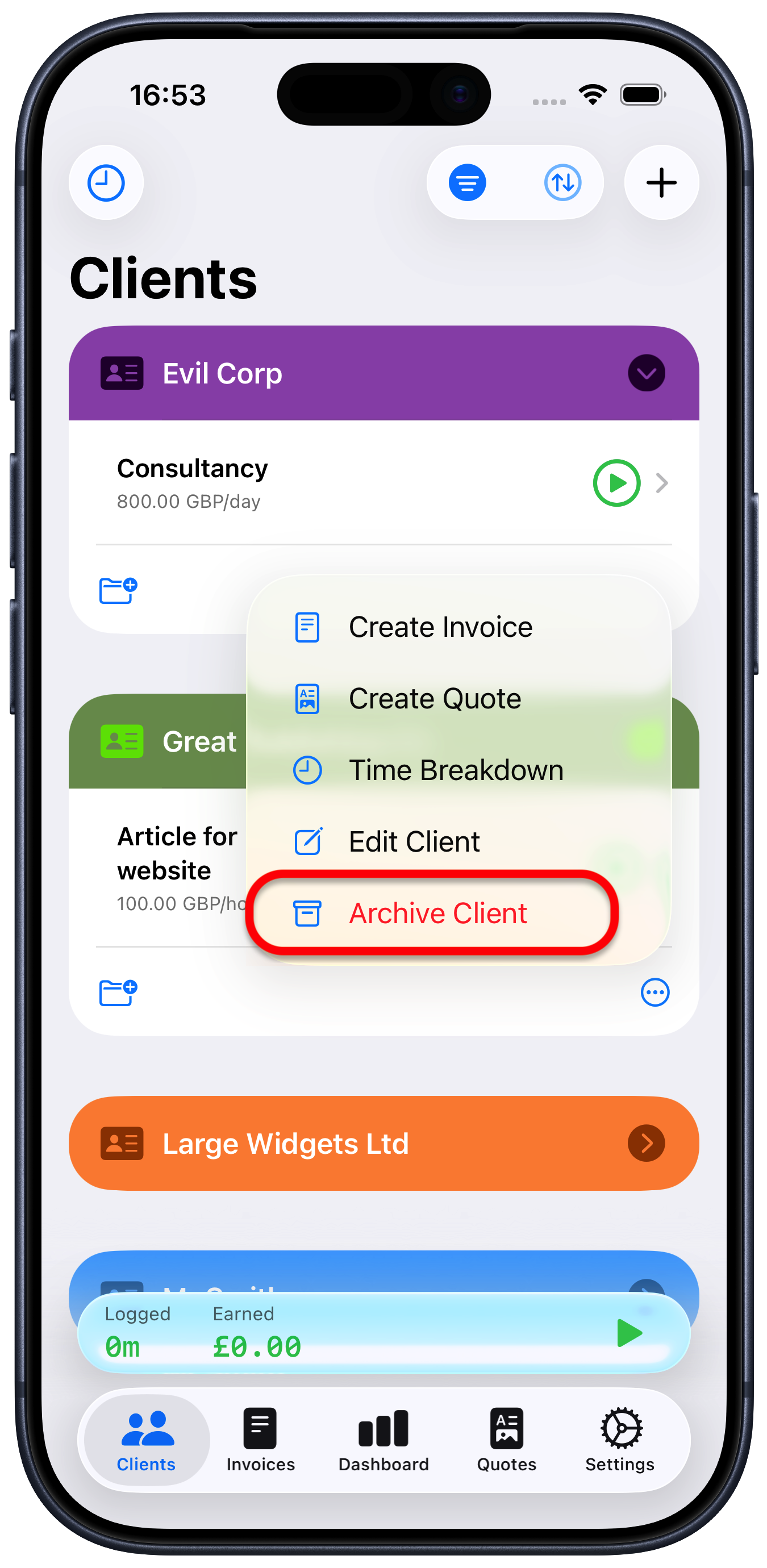
Choose “Archive client”
The client will disappear from your client list. However, you can still view them if you tap the filter button at the top right of the client screen and choose “Archived”.
To restore a client back into your normal client list:
Tap the client you want to restore
Tap the ellipsis button “…” at the bottom right of that client
Choose “Restore client”